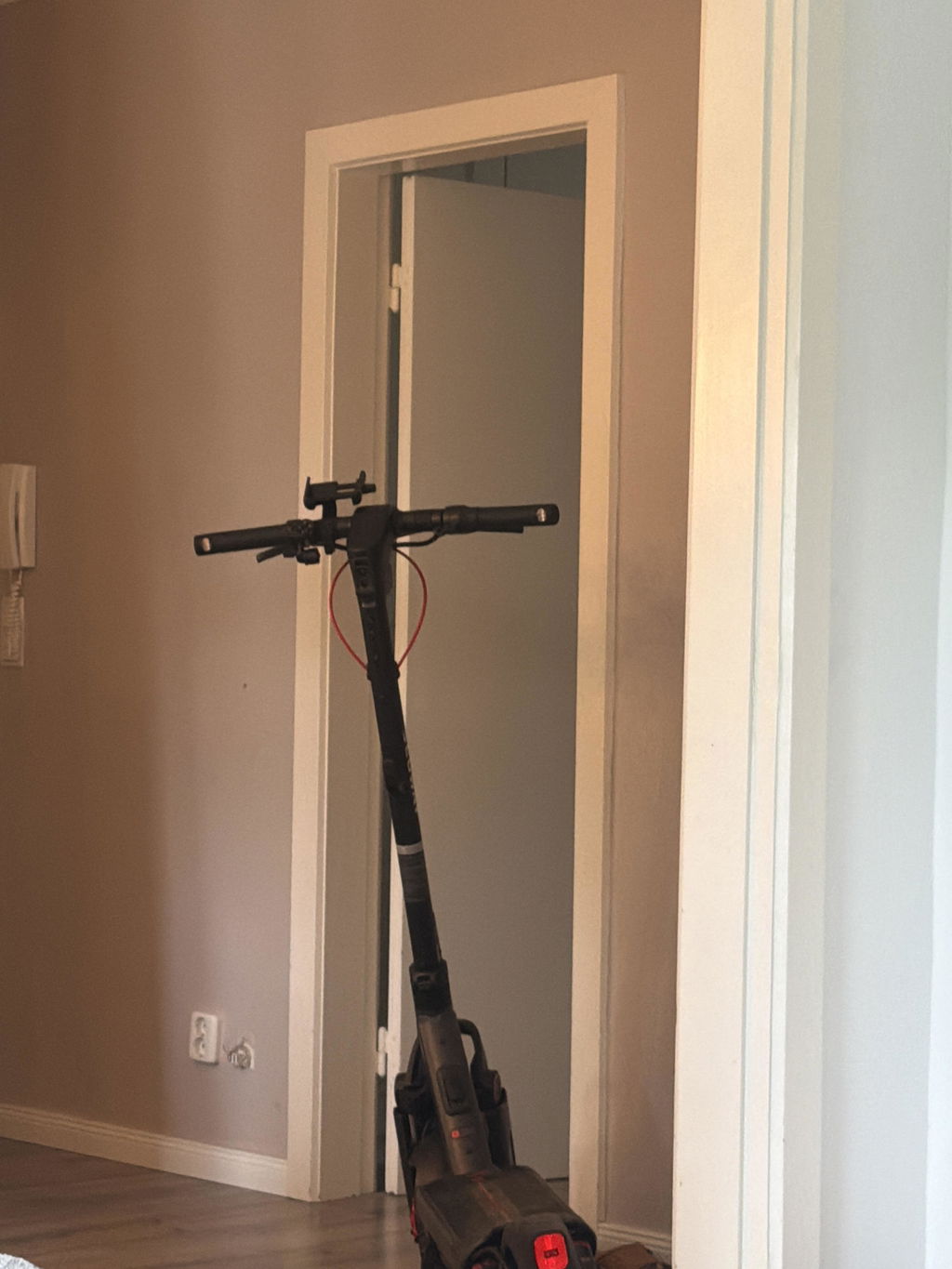
Ninebot Tuning License Code – Digital Unlock Without Installation
Make Your Ninebot E-Scooter Faster – Fully Digital via Bluetooth
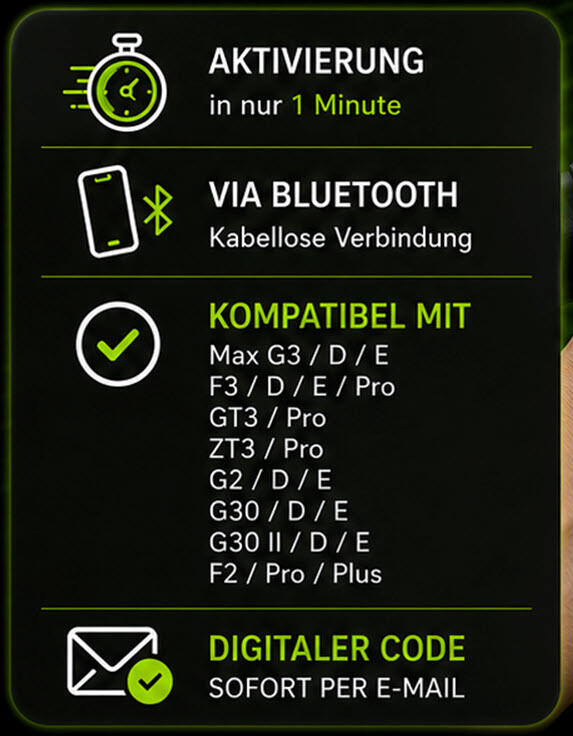
With this digital tuning license code, you can conveniently adjust the factory speed limit of many Ninebot e-scooters via software.
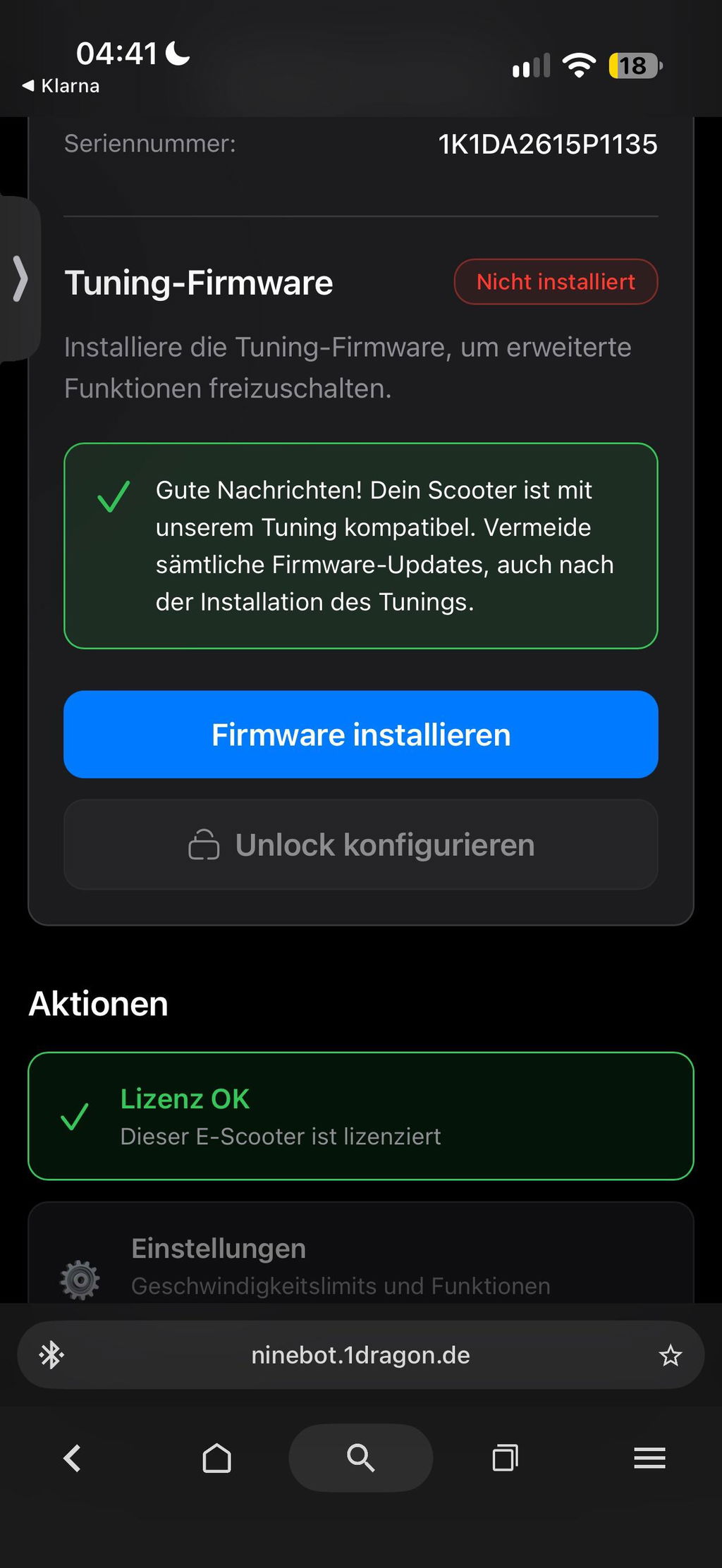
The unlock works entirely digitally: the scooter does not need to be opened and no chip, controller or other hardware module needs to be installed. Activation is carried out via Bluetooth using a smartphone or computer directly at:
👉 https://ninebot.1dragon.de
Depending on the Ninebot model, individual speed configurations, freely selectable key combinations and additional features such as a panic mode are possible.
✅ Your Benefits
- 🚀 Higher speeds possible depending on the model
- 📲 Fully digital unlock
- 🔧 No installation and no opening of the scooter
- 🧩 No additional tuning chip required
- 📡 Activation via Bluetooth
- 🌐 Installation directly via the browser
- ⏱️ Unlock within a few minutes
- 🎛️ Individual configuration possible
- 🆘 Panic mode on supported models
- 🔁 Return to the original state possible
- 📩 License code immediately by e-mail
- 🚚 No shipping costs
🎛️ Individual Configuration
The current version of the digital Ninebot unlock allows individual configuration directly via the web interface.
Depending on the respective model, you can define the following settings, among others:
- Personal activation key combination
- Desired speed configuration
- Activation or deactivation of the panic mode
- Return to the original state after a restart
- Behaviour of the unlock when switching on and off
This way you decide for yourself when the scooter runs with the original speed limit and when the unlock should be active.
🔘 Set Your Own Key Combination
During installation, you can define your own key combination for activation and deactivation.
A possible example:
- Apply the brake three times
- Then press the throttle four times
With the chosen combination, you can activate or deactivate the unlock directly on the scooter.
The configuration available in each case depends on the Ninebot model used and its software version.
🆘 Panic Mode for Newer Ninebot Models
On selected newer Ninebot models, a so-called panic mode can additionally be set up.
Supported models include, for example:
- Ninebot G3
- Ninebot G3D
- Ninebot ZT3 Pro
- Ninebot ZT3D Pro
With the panic mode, the scooter can be quickly reset to the limited original mode using a previously defined key or key combination.
This allows a flexible switch between the unlocked configuration and the factory riding behaviour.
Compatible Ninebot Models
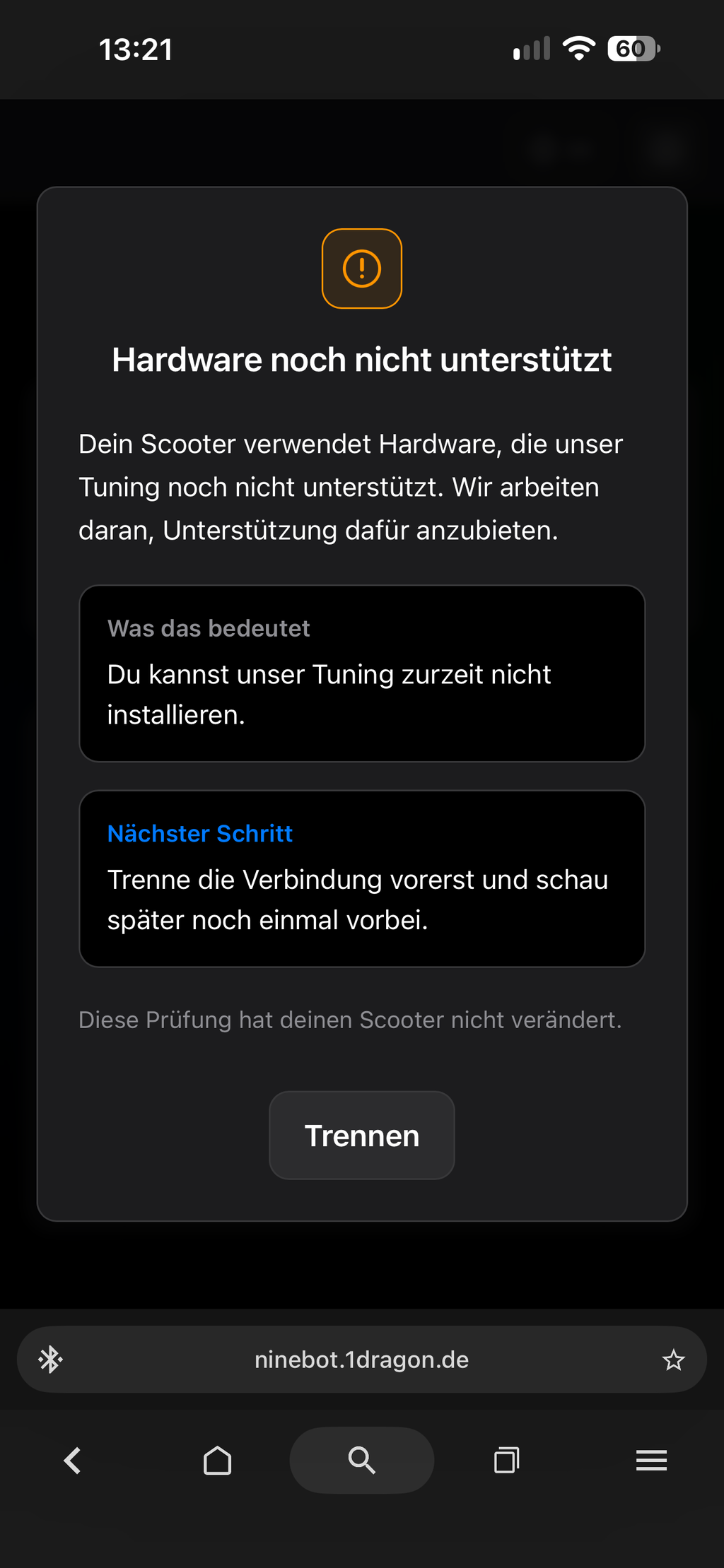
The digital license code is suitable for numerous Ninebot e-scooters of the German D version and the European E version.
Ninebot MAX Series
Ninebot MAX G2
Compatible variants:
- Ninebot MAX G2
- Ninebot MAX G2D
- Ninebot MAX G2E
Possible speed: approximately 27 to 32 km/h
Ninebot MAX G30
Compatible variants:
- Ninebot MAX G30
- Ninebot MAX G30D
- Ninebot MAX G30E
- Ninebot MAX G30 second generation
Possible speed: approximately 27 to 32 km/h
Ninebot F Series
Ninebot F2
Compatible variants:
- Ninebot F2
- Ninebot F2 Plus
- Ninebot F2 Pro
- Respective D and E versions
Possible speed: up to 35 km/h
Ninebot F3
Compatible variants:
- Ninebot F3
- Ninebot F3 Pro
- Respective D and E versions
Possible speed: up to 35 km/h
Ninebot Performance Models
Ninebot G3 Series
Compatible variants:
- Ninebot G3
- Ninebot G3D
- Ninebot G3E
- Ninebot MAX G3D
- Ninebot MAX G3E
Possible speed: up to 45 km/h
Ninebot ZT3 Pro Series
Compatible variants:
- Ninebot ZT3 Pro
- Ninebot ZT3 Pro D
- Ninebot ZT3 Pro E
- Ninebot ZT3D Pro
Possible speed: approximately 35 to 40 km/h
Ninebot GT3 Series
Compatible variants:
- Ninebot GT3
- Ninebot GT3 Pro
Possible speed: up to 50 km/h
⚠️ Note on the Speed Figures
The stated values do not represent a guaranteed maximum speed. The actually achievable speed depends, among other things, on the following factors:
- Ninebot model and motor power
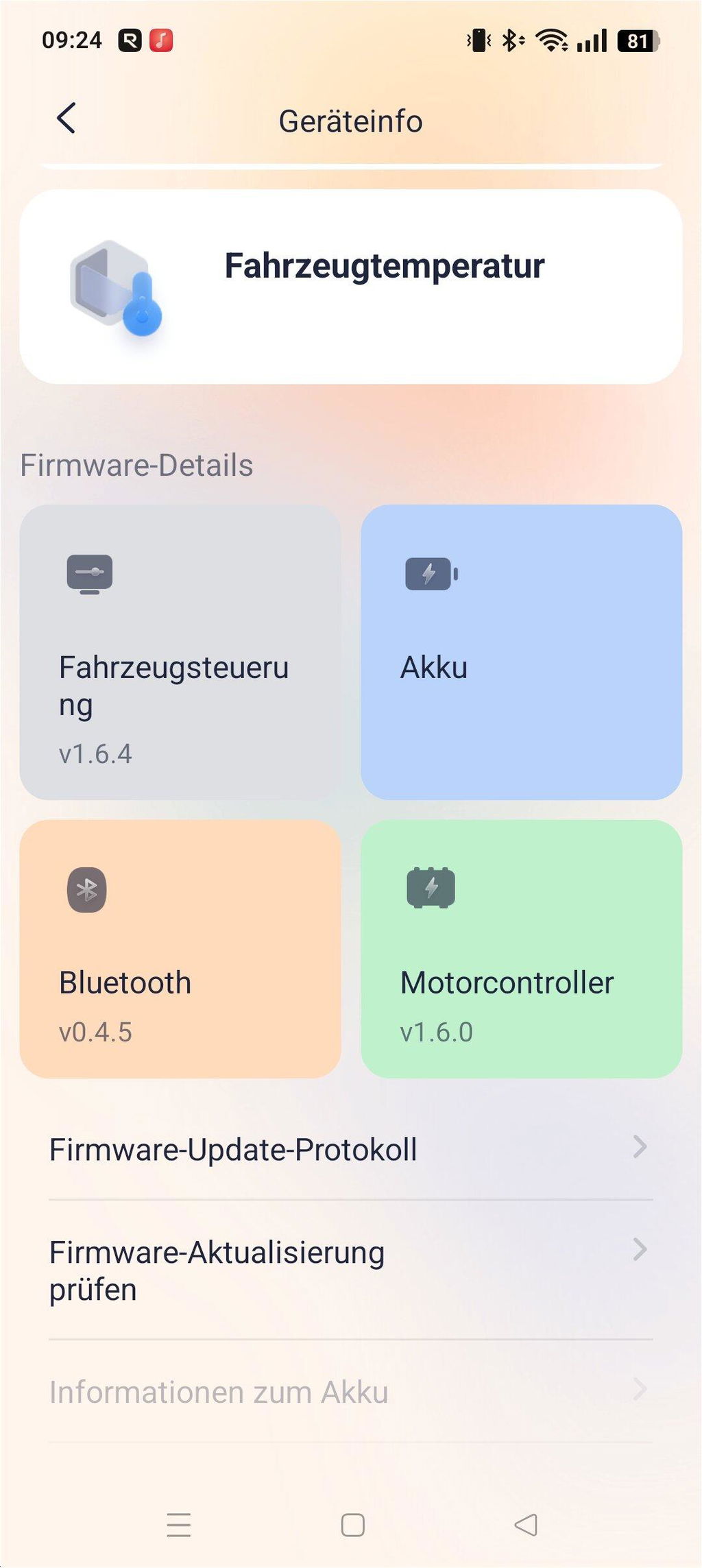
- Firmware and software version
- Battery charge level
- Battery temperature
- Rider weight and load
- Tyre pressure
- Incline or decline
- Headwind
- Outside temperature
- Condition of the route
Depending on the vehicle and conditions, the actually achievable speed may deviate from the stated values.
🔧 No Hardware Installation Required
The unlock is carried out entirely digitally via a browser-based user interface.
You do not need to:
- open the scooter,
- disconnect any cables,
- install any tuning chip,
- replace any controller, or
- make any mechanical modifications.
This makes the solution suitable also for users who do not wish to carry out any modifications to the vehicle.
🚀 Speed Increase Depending on the Model
Depending on the Ninebot model, the limit can be adjusted to different speeds.
The possible ranges lie, depending on the vehicle, approximately between:
- 27 and 32 km/h on selected MAX models
- up to 35 km/h on various F models
- up to 40 km/h on ZT3 Pro models
- up to 45 km/h on G3 models
- up to 50 km/h on GT3 models
Which settings are actually available is shown during configuration.
🔒 Unlock With an Existing Tuning Lock
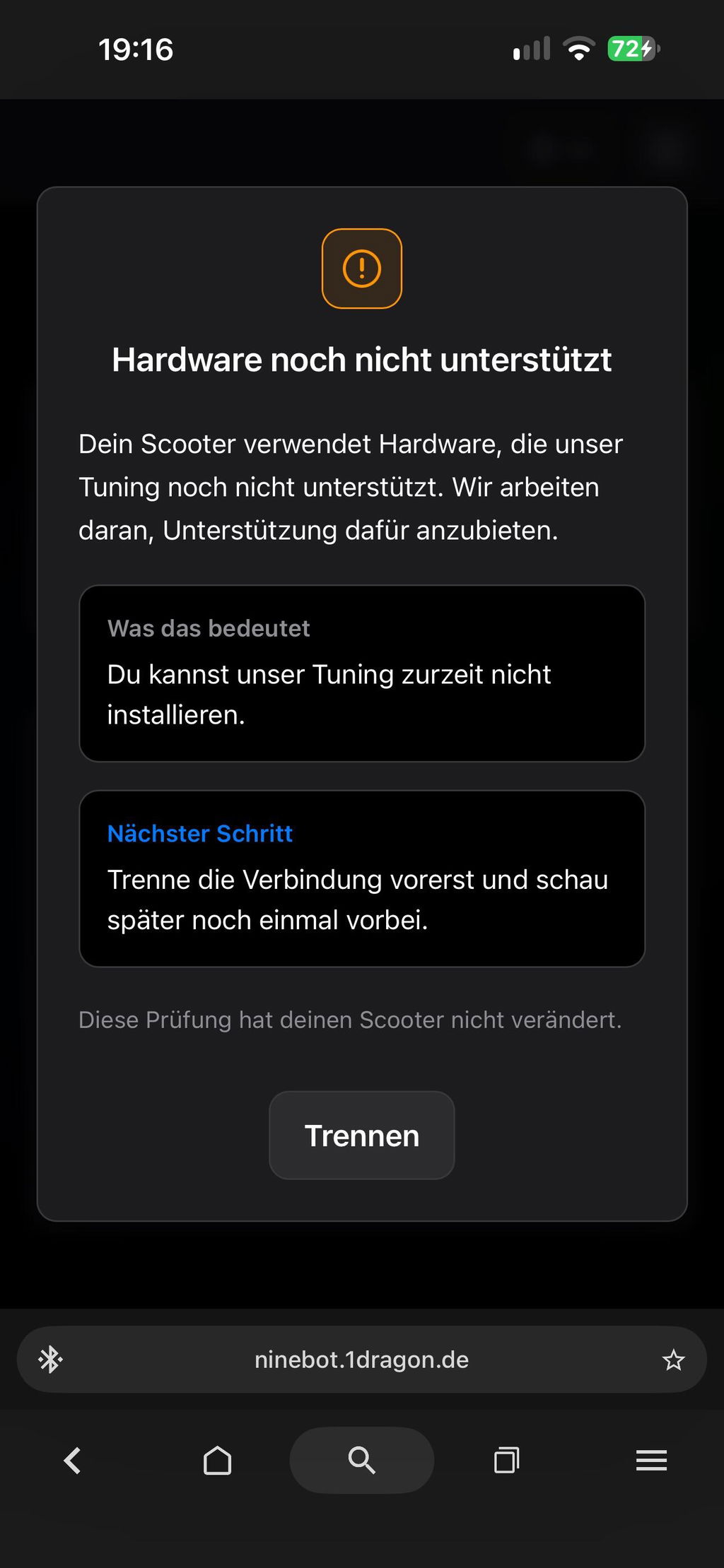
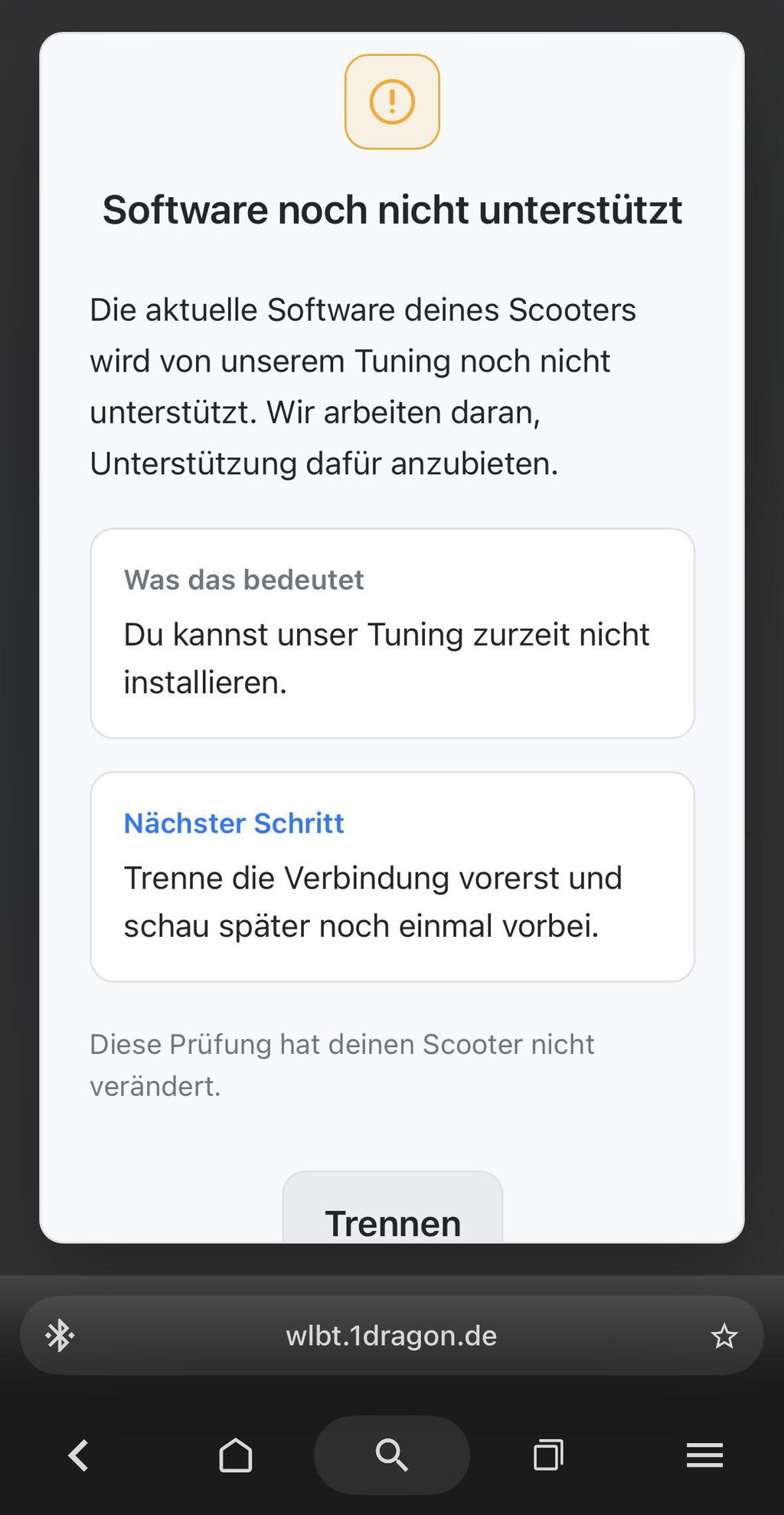
The digital unlock is also intended for various newer Ninebot models on which a software-side tuning lock is already present.
Whether activation is possible nevertheless depends on the exact vehicle model, the installed original components and the current firmware version.
🔁 Removing the Unlock Again
The digital tuning can be deactivated again via the installation page. Afterwards, the scooter can be operated again with its factory speed limit.
Deactivation is likewise carried out via:
👉 https://ninebot.1dragon.de
Please note that software and firmware changes by the manufacturer may affect the available features in the future.
🔋 Effects on Range and Wear
With the digital unlock, the software-side speed limit is adjusted. The motor, battery and controller are not replaced with other components in the process.
Higher speeds, however, require more energy. This can cause:
- the range to decrease,
- the power consumption to rise,
- the motor and controller to heat up more,
- the brakes and tyres to wear out faster, and
- mechanical components to be subjected to greater stress.
The scooter should therefore be in perfect technical condition. Regularly check the tyres, brakes, screw connections and the general vehicle condition.
⚙️ Activating the License Code
The digital unlock normally takes only a few minutes.
Step 1: Purchase the license code
After the purchase, you will receive your personal digital license code by e-mail.
Step 2: Open the activation page
Open the following page on a compatible smartphone, tablet or computer:
👉 https://ninebot.1dragon.de
Step 3: Enable Bluetooth
Enable Bluetooth on your device and switch on the Ninebot e-scooter.
Step 4: Connect the scooter
Select the scooter in the web interface and establish the Bluetooth connection.
Step 5: Enter the license code
Enter the license code you received in full into the field provided.
Step 6: Select the configuration
Define the available settings, for example:
- the desired speed configuration,
- the personal activation key combination,
- the panic mode, and
- the behaviour after a restart.
Step 7: Install the unlock
Start the activation and wait until the process has been fully completed.
After successful installation, the defined activation combination is shown directly in the browser.
📱 System Requirements
One of the following operating systems can be used for activation:
- Android
- Windows
- macOS
- iOS
Recommended Browser
For Android, Windows and macOS, a compatible Chromium browser, preferably Google Chrome, is recommended.
Installation With iPhone or iPad
On iOS, the browser Bluefy is required for the Bluetooth connection. It can be installed via the Apple App Store.
Then the activation page is opened directly in the Bluefy browser:
👉 https://ninebot.1dragon.de
📡 Important Notes on the Bluetooth Connection
Bluetooth must be enabled during installation.
The scooter must not be connected to another device or another app at the same time. This includes in particular:
- the official Segway-Ninebot app,
- a second smartphone,
- a tablet,
- another computer, or
- another Bluetooth application.
The scooter can only ever establish one active connection at a time.
If the vehicle is not shown on the installation page:
- Close the official Ninebot app completely.
- Disconnect the Bluetooth connection on other devices.
- Switch the scooter off and on again.
- Reopen the browser.
- Establish the connection again via https://ninebot.1dragon.de
📩 Digital Delivery of the License Code
After completing the order, you will receive:
- your personal license code,
- a step-by-step guide, and
- helpful notes on the installation.
The license code is located directly in the order confirmation and is provided by e-mail within a few minutes.
As this is a digital product, no shipping costs are incurred.
If the e-mail does not arrive, please also check your spam or junk mail folder.
⚠️ Requirements for Compatibility
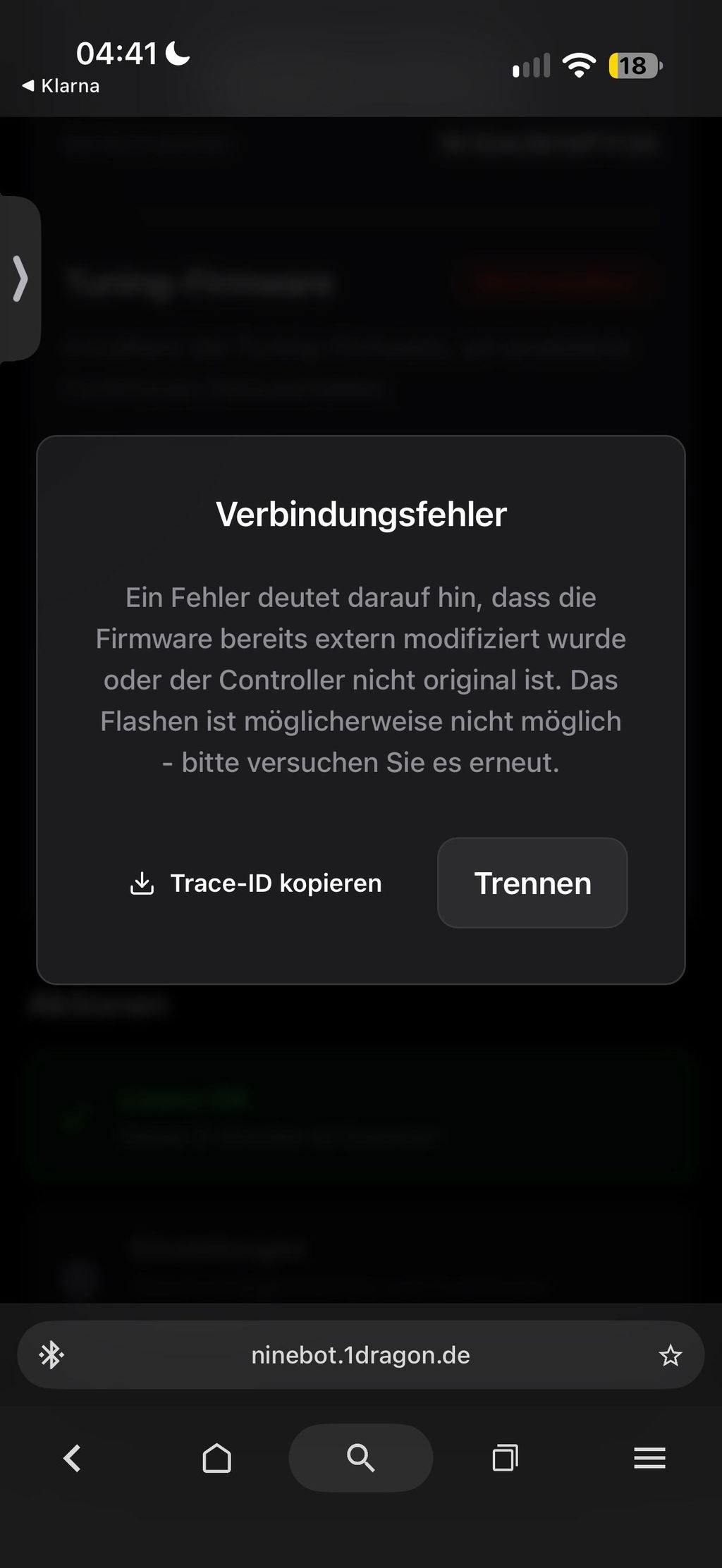
For reliable activation, the scooter should be in its original factory condition.
This means:
- original electronic components,
- original controller,
- original dashboard,
- original Ninebot firmware,
- no custom firmware, and
- no software manipulations already carried out.
If electronic components have been replaced, custom firmware has been installed or other software interventions have already been made, successful activation cannot be guaranteed.
On previously modified vehicles, a full restoration of the original state may also not be entirely possible.
🔄 Notes on Future Firmware Updates
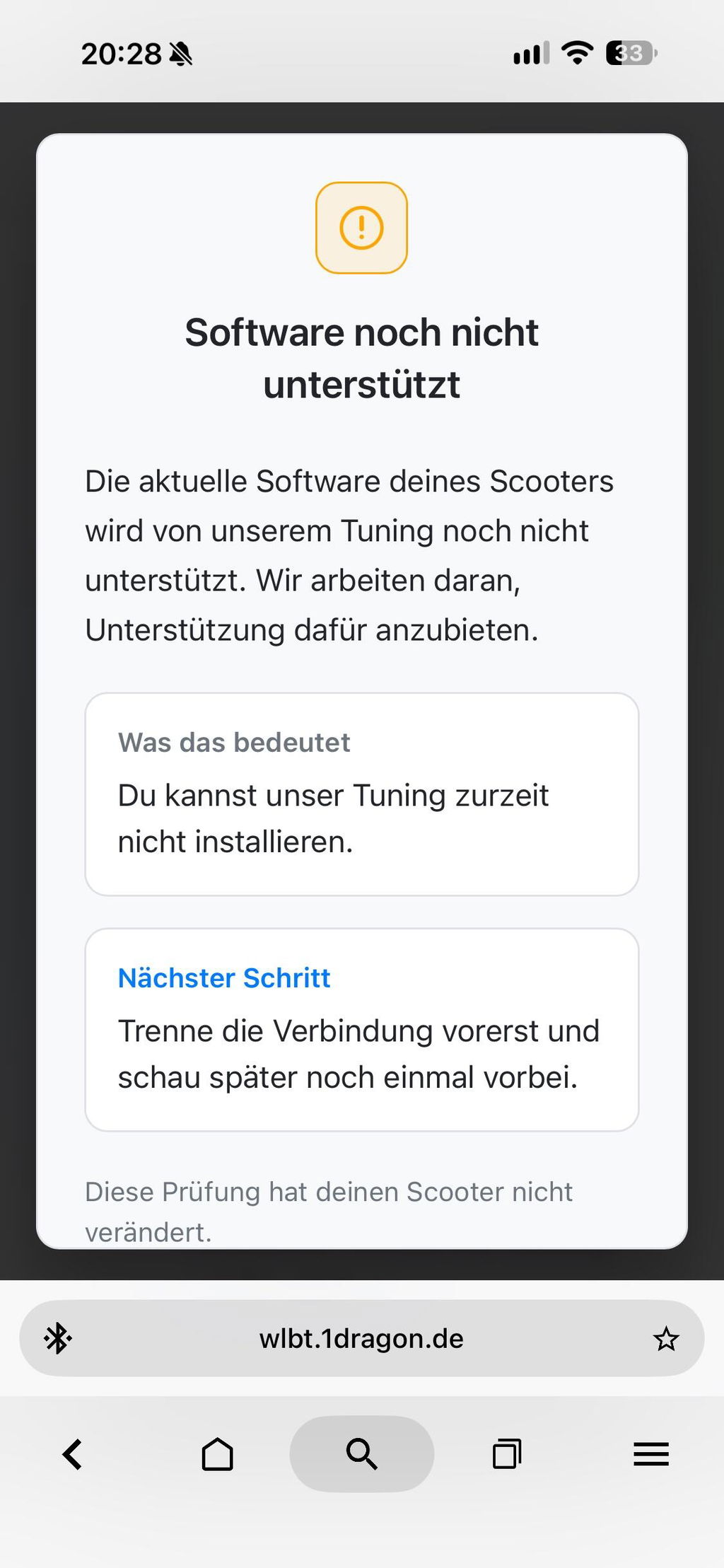
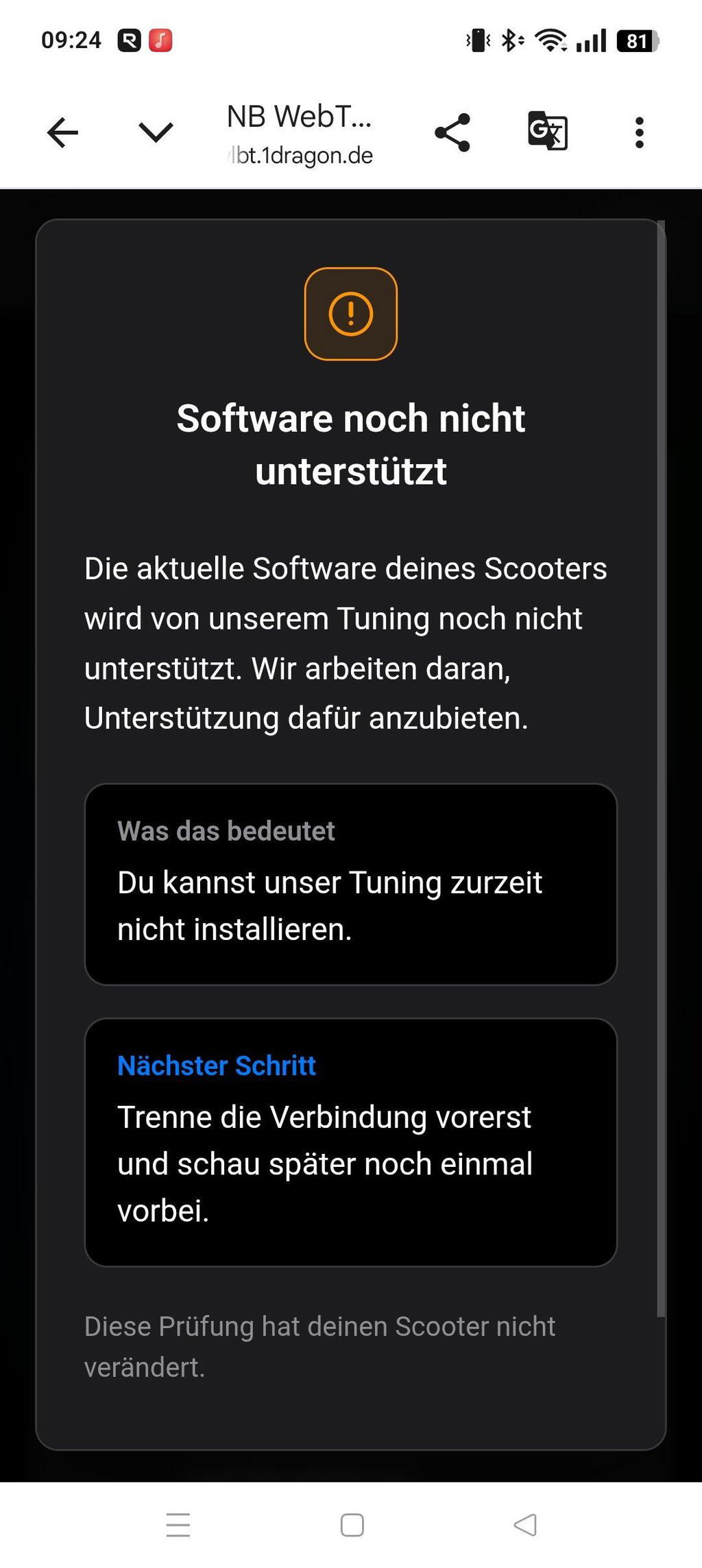
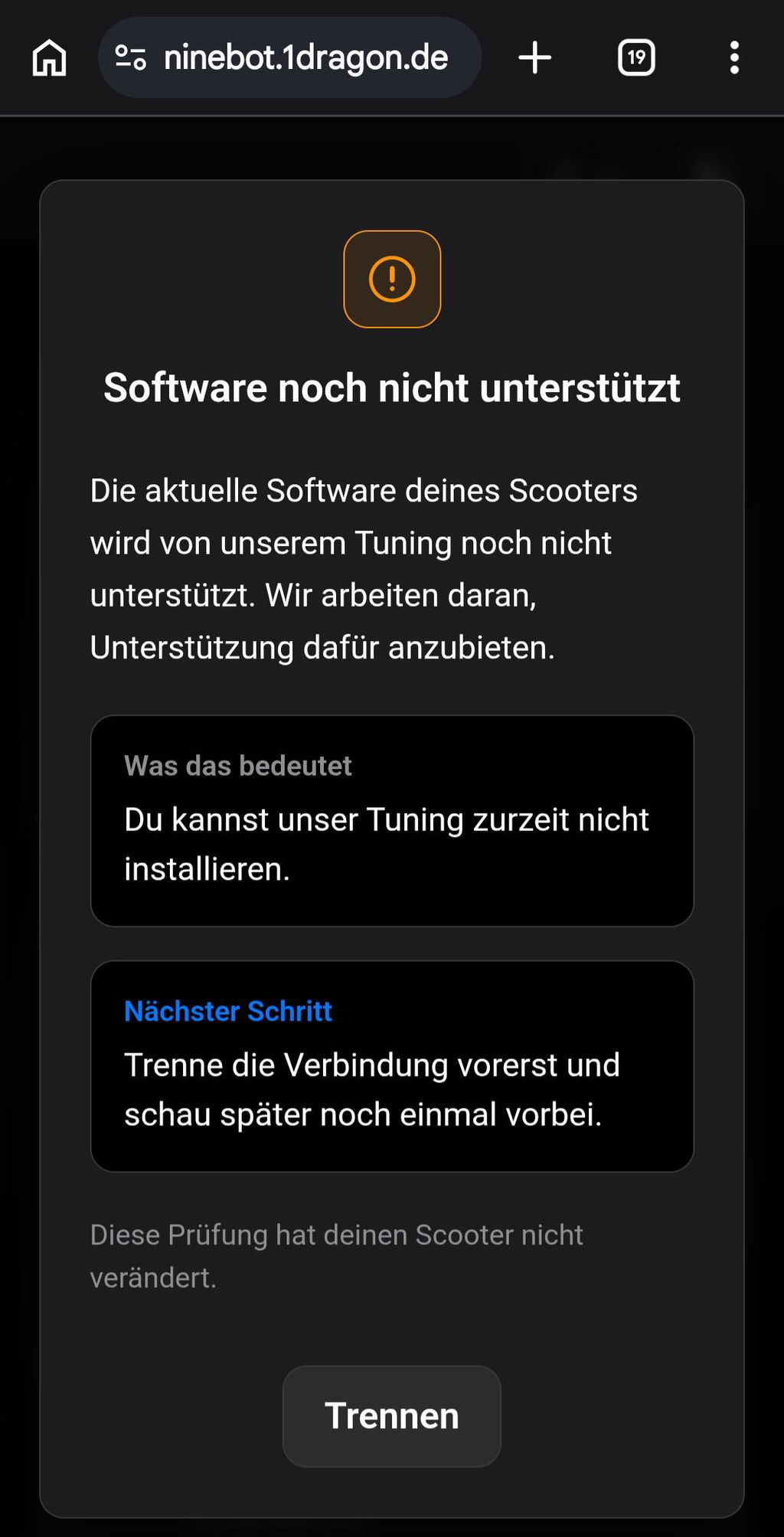
Ninebot may release new firmware or software versions at any time. A later update may change, deactivate or render incompatible the digital unlock or individual features.
Therefore, before installing an official firmware update, check whether the new version is already supported.
Permanent compatibility with future firmware versions not yet released at the time of purchase cannot be guaranteed.
⚠️ Digital Product: Returns and Exchanges
This product is a digital, vehicle-specific license code.
After the digital provision or transmission of the code and once execution has begun, the right of withdrawal may lapse, provided that you have expressly agreed to this and confirmed that you thereby lose your right of withdrawal.
A license code that has already been provided, activated or used cannot be returned, exchanged or reused for another vehicle.
Therefore, please check before purchasing:
- the exact Ninebot model,
- the model variant,
- the current vehicle condition, and
- the requirements for activation.
⚖️ Legal Notice
By removing or modifying the factory speed limit, the e-scooter may lose its approval for use on public roads.
The use of an unlocked vehicle may therefore – depending on the respective country and the regulations applicable there – not be permitted on public roads.
Use is generally permitted only where the legal provisions allow it, for example:
- on closed-off private property with the owner’s consent,
- on non-public test tracks, or
- within the scope of permitted competitions.
Please inform yourself about the applicable regulations in your country before activation and use.
The unlock may also affect the operating permit, insurance cover, warranty claims or the manufacturer’s guarantee.
Installation and use are at your own responsibility. Responsibility for the vehicle and its use lies with the vehicle owner or rider.
Wearing suitable protective clothing and a helmet is expressly recommended.
❓ Frequently Asked Questions
Does the scooter have to be opened?
No. The unlock is carried out entirely digitally via Bluetooth. No components need to be installed or replaced.
Do I need a cable?
No. The connection between the scooter and the device used is made via Bluetooth.
Can I install the unlock with a smartphone?
Yes. Android and iOS are supported. On an iPhone or iPad, the Bluefy browser must be used.
Which installation page do I have to use?
Activation is carried out exclusively via:
👉 https://ninebot.1dragon.de
Why is my scooter not found?
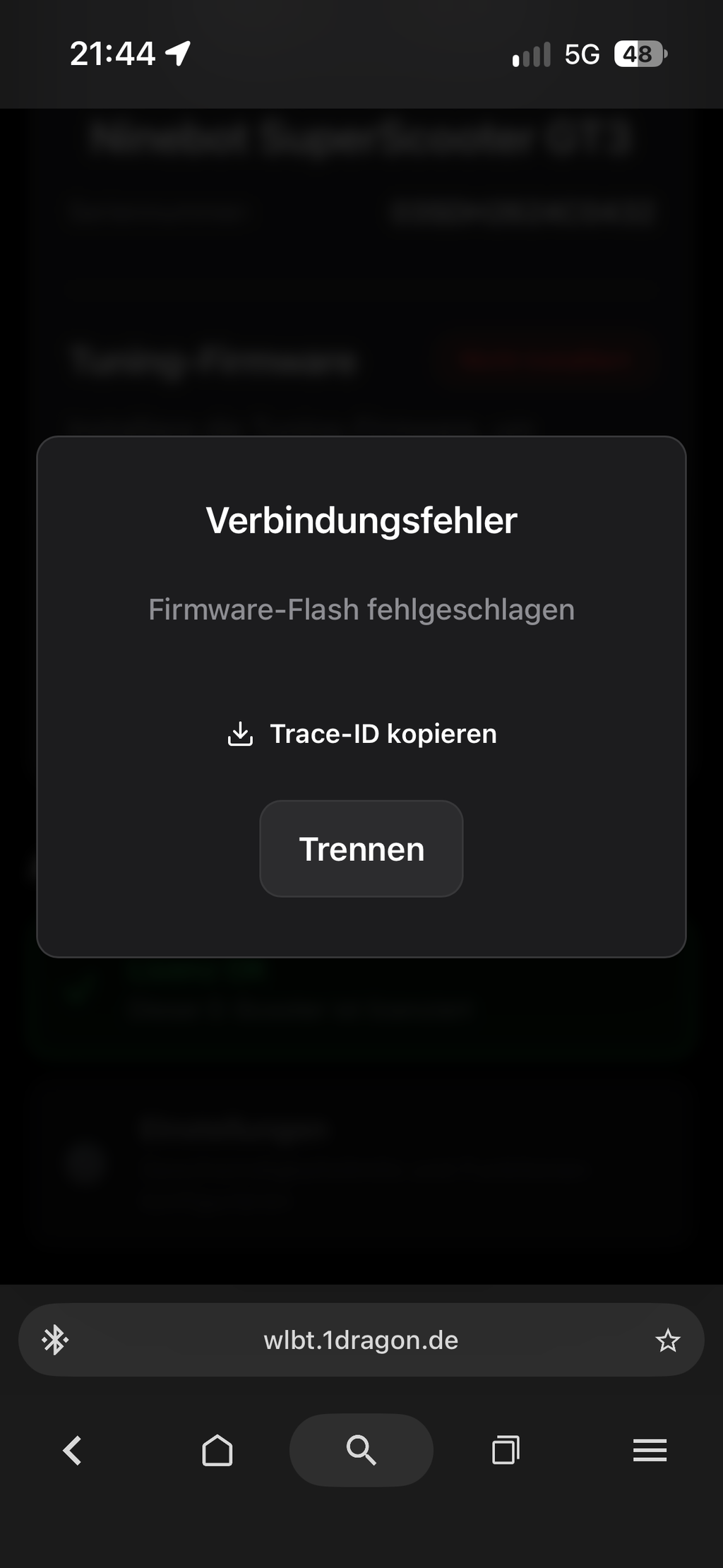
In most cases, a connection to the official Ninebot app or another device already exists. Close all relevant apps, disconnect other Bluetooth connections and restart the scooter.
Can I choose my own activation combination?
Yes, on supported models you can define an individual combination during setup, for example by pressing the brake and throttle several times.
What is the panic mode?
On supported newer models, the panic mode enables a quick return to the limited original mode. Switching is done via a defined key or key combination directly on the scooter.
Can I deactivate the tuning again?
Yes. The digital unlock can be removed or deactivated again via the installation page.
Is a specific speed guaranteed?
No. The achievable speed depends on the model, battery level, rider weight, tyre pressure, the route and other external conditions.
Does the code work with a custom firmware?
Functionality cannot be guaranteed with custom firmware or replaced electronic components. The scooter should be in its original factory condition.
Can the code be used for multiple scooters?
No. The license code is vehicle-specific and can only be used for the vehicle it is intended for.
🏁 Conclusion
The digital Ninebot Tuning license code offers a straightforward way to adjust the factory speed limit of compatible Ninebot e-scooters via software.
You do not need a tuning chip, do not have to open the scooter and do not need to replace any electronic components. Activation takes place within a few minutes via Bluetooth and the browser-based installation page.
👉 Get your license code, https://ninebot.1dragon.de open, connect the scooter and configure it individually.
WEEE-Reg.-Nr.: DE 98802828